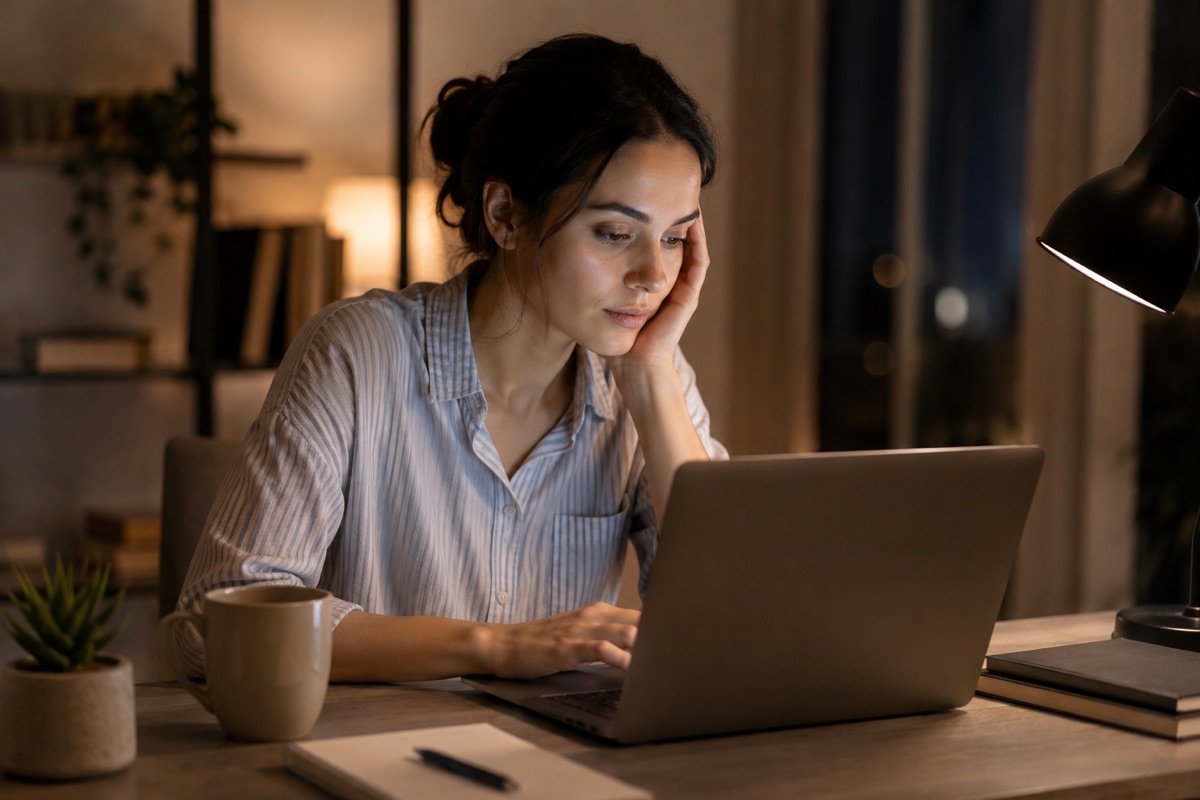
The average Indian adult now spends more than 6 hours per day on screens — combining smartphones, laptops, televisions, and tablets. For children, the numbers are rising rapidly.
The eyes were not designed for sustained near-focus on bright, artificial light sources for hours at a time. The effects are real, well-documented, and manageable — if you know what to look for and what to change.
What Happens to Your Eyes During Prolonged Screen Use
Ciliary Muscle Fatigue
The lens inside your eye is controlled by the ciliary muscle, which contracts to focus at near distances and relaxes for far distances. During prolonged screen use, this muscle remains contracted for hours, accumulating fatigue in the same way as any muscle held in a fixed position. This manifests as difficulty refocusing quickly, blurred vision after screen use, and headaches.
Reduced Blink Rate
Normally, humans blink 15–20 times per minute. Research published in Investigative Ophthalmology & Visual Science found that blink rate drops to 5–7 times per minute during screen use — a reduction of over 60%. Each blink refreshes the tear film that lubricates and protects the cornea. Reduced blinking leads to faster tear evaporation, dry spots, and the burning, gritty sensation commonly associated with screen use.
Blue Light Exposure
Screens emit short-wavelength visible light — often referred to as blue light. There is ongoing research into its long-term effects on the retina, and current evidence does not conclusively establish that normal screen exposure causes retinal damage in healthy eyes. However, blue light does suppress melatonin production, the hormone that regulates sleep. A 2014 study in PNAS found that evening screen use delays the onset of sleep and reduces total sleep duration — which in turn affects overall health, including eye recovery.
Recognising Digital Eye Strain
The American Optometric Association defines Computer Vision Syndrome (CVS) as the complex of eye and vision problems associated with near work while using a digital screen. Symptoms include:
- Tired or sore eyes after screen use
- Dry, burning, or gritty sensation
- Headaches (particularly at the forehead or temples)
- Blurred vision, especially when shifting from near to far
- Difficulty concentrating
- Neck and shoulder tension (often linked to poor screen positioning)
These symptoms are temporary and typically resolve with rest — but they are a signal that something needs to change.
Practical Changes That Help
Screen Position and Environment
Position your screen so the top of the monitor is at or slightly below eye level, and at arm’s length (50–70cm) away. Angle the screen slightly downward (10–15 degrees). This reduces the area of exposed ocular surface, which reduces tear evaporation.
Reduce glare: position screens away from direct windows or use an anti-glare filter. A bright screen against a dark room is hard on the eyes; matching ambient light to screen brightness reduces strain.
The 20-20-20 Rule
Every 20 minutes, look at something at least 20 feet (6 metres) away, for 20 seconds. This allows the ciliary muscle to fully relax and is the most well-supported practical intervention for reducing eye strain. Set a recurring phone reminder or use a browser extension to prompt you.
Conscious Blinking
During focused screen work, consciously remind yourself to blink. A full blink (where the eyelids fully meet) is more effective at refreshing the tear film than a partial blink.
Screen Brightness and Night Mode
Reduce screen brightness to match your environment — the screen should not be the brightest light source in the room. Use warm display settings (night mode or reduced colour temperature) in the evenings to minimise the sleep-affecting component of blue light.
Breaks and Physical Rest
The eyes benefit from the same principles as muscles: rest periods improve recovery and reduce cumulative fatigue. A 5-minute screen break every hour is more effective than fewer, longer breaks.
For Children: Why It Matters More
Children’s visual systems are still developing, and there is growing evidence that prolonged near work — including screen time — is associated with increased rates of myopia (short-sightedness). A 2019 meta-analysis in JAMA Ophthalmology found that time spent outdoors is associated with a reduced risk of myopia onset in children, possibly due to exposure to natural light and the reduced near-focus demand. Current recommendations from paediatric ophthalmology bodies suggest limiting recreational screen time for children under 12 to 1–2 hours per day.
When Lenses Can Help
Anti-reflective (AR) coatings reduce screen glare significantly and are beneficial for regular screen users. Blue-light filtering lenses reduce some short-wavelength light, which may help with visual comfort in the evenings — though their effect on daytime eye health is still under research. If you spend significant time at screens and experience regular eye strain, it is worth discussing lens options with your optometrist.
At Deshpande’s Optiview, we can advise on lens options for screen users at all four Nashik branches.
References: Sheppard AL, Wolffsohn JS. Digital eye strain. BMJ Open Ophthalmology, 2018. | Chang AM et al. Evening use of light-emitting eReaders negatively affects sleep. PNAS, 2014. | JAMA Ophthalmology — Outdoor time and myopia in children, 2019. | American Optometric Association — Computer Vision Syndrome.